Connections
Install the Marxx Chrome extension
Save ads from the Meta Ad Library, TikTok, Pinterest and the web straight into your Marxx boards.
The Marxx Chrome extension saves an ad into one of your boards while you browse. It works on the Meta Ad Library, TikTok Creative Center, Pinterest, YouTube, Instagram and other pages on the web.
Install it
You need Chrome on a computer. Extensions can't be installed on phones or tablets, and Marxx shows "Open Marxx on a computer to install the extension" there.
Open Settings → Integrations.
On the Chrome extension card, select Install.
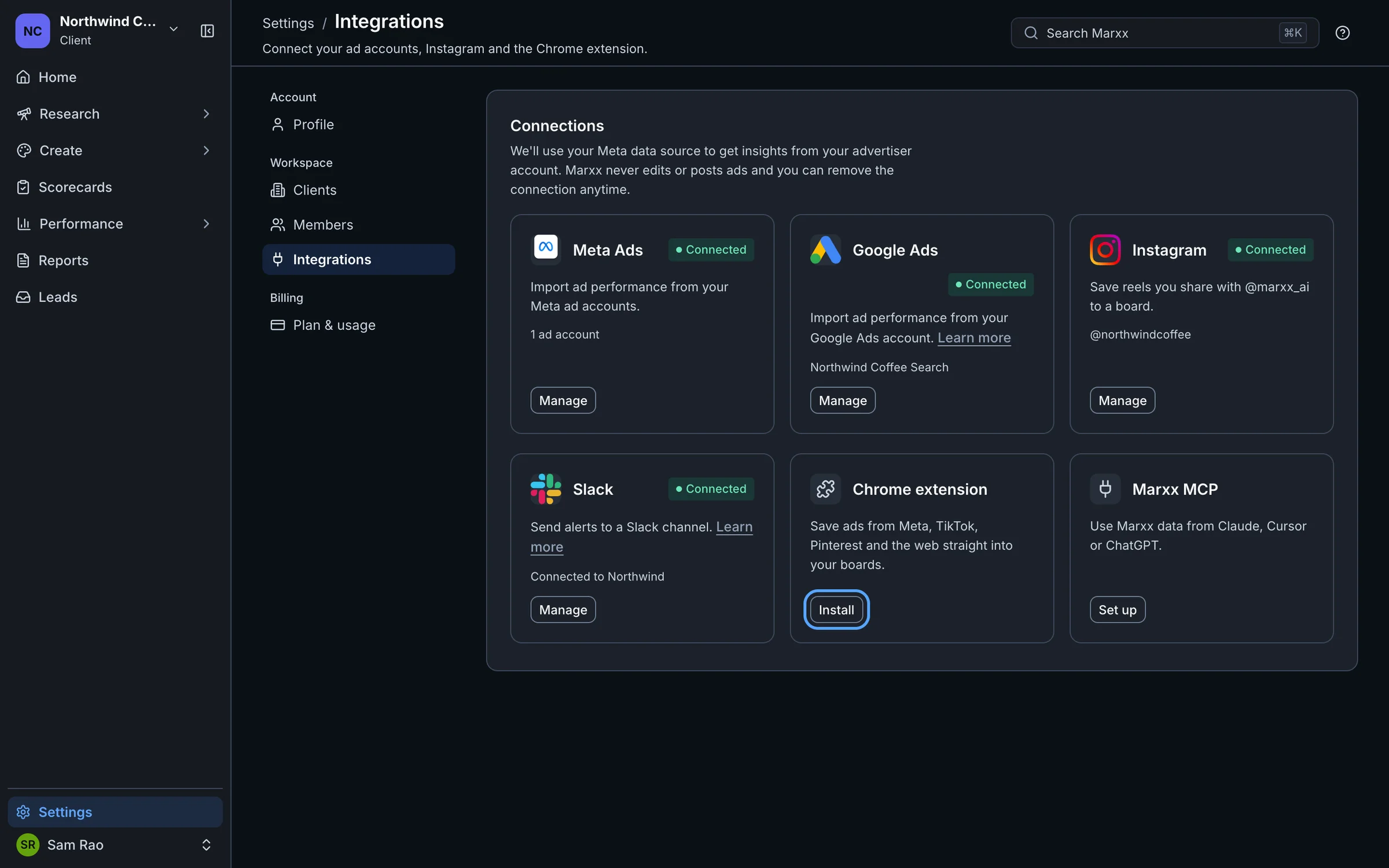
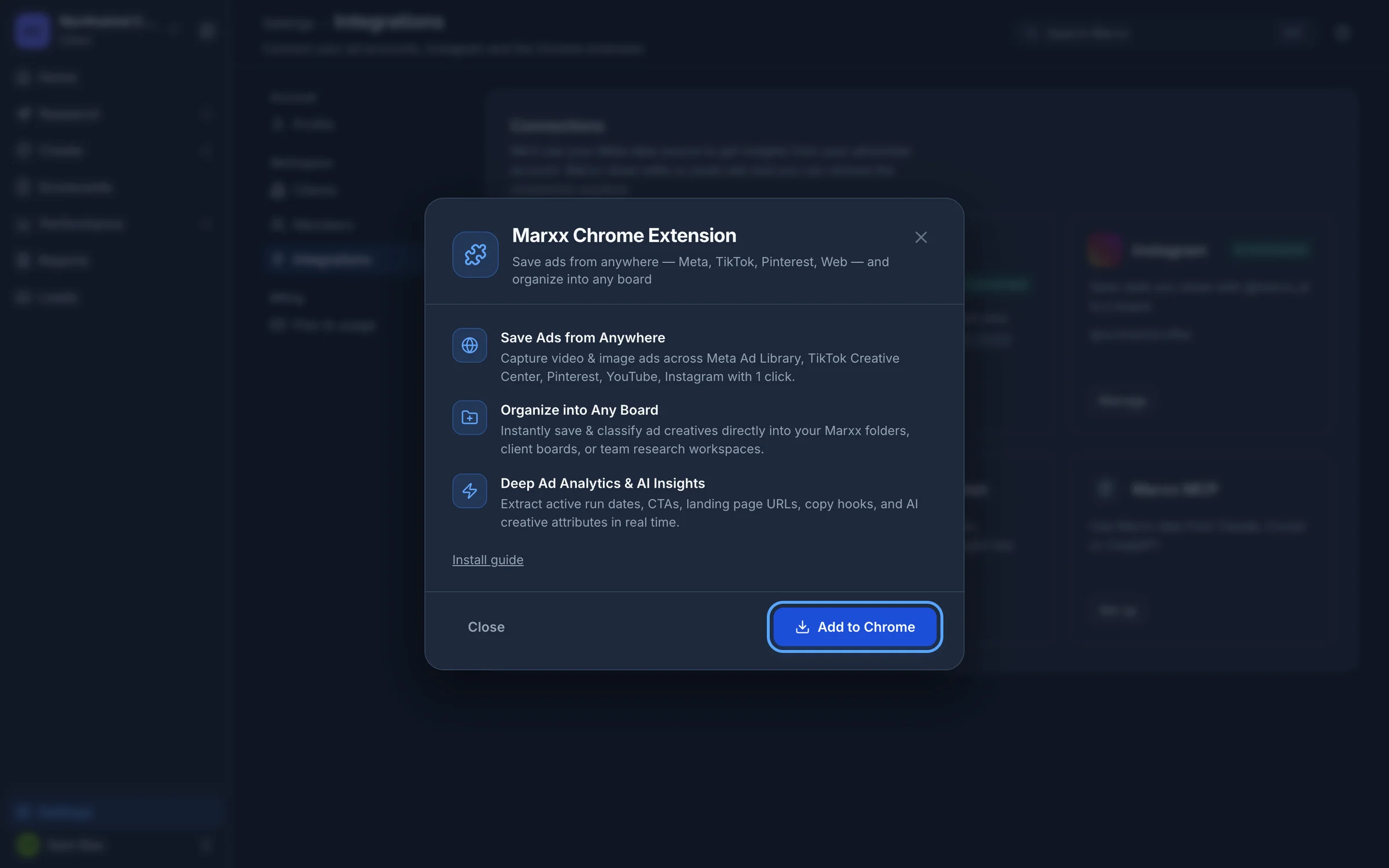
In the window that opens, select Add to Chrome. This opens the Chrome Web Store listing: Marxx extension.
In the store, select Add to Chrome and confirm the prompt.
Pin it from Chrome's puzzle-piece menu so it stays one click away.
Sign in
The extension needs to know which Marxx account to save into. It sends you to app.marxx.ai/extension to sign in.
- When the extension asks you to sign in, a Marxx tab opens.
- If you're already signed in to Marxx in this browser, it passes you straight through and then shows "Taking you back…".
- If not, sign in or sign up as you normally would. After that you're sent back to the page you were on.
Save an ad
With the extension signed in, open an ad on any supported site, such as an ad in the Meta Ad Library. Use the extension to save it and choose the board it goes into. You can save into any of your boards, including client boards and team research boards.
When you save, Marxx captures the creative, and details like how long the ad has been running, its call to action, landing page and copy, where the page shows them.
Saved ads appear on the board in Marxx. See Getting started for how boards fit into the rest of the app.
Save from Instagram instead
On your phone, you can save reels and posts without the extension. See Connect Instagram.
If it doesn't work
- No Add to Chrome button on a phone or tablet. Open Marxx on a computer in Chrome.
- The sign-in page sends you to Marxx instead of back. Start the sign-in again from the extension, not by typing the address yourself. The extension adds the return address the page needs.
- The board you want isn't there. If you work across clients, switch client in Marxx first. See How Marxx is organised.
Still stuck?
Email apurv@marxx.ai with a screenshot of what you see, or book a call and we will walk through it with you.