Connections
Reconnect a Meta ad account
Why a Meta connection stops working, how Marxx tells you, and how to reconnect so new ad data flows again.
Marxx imports your Meta data every night with a token from your Facebook login. When Meta stops accepting that token, the import skips the account and the numbers on screen quietly stop moving. Marxx flags this so you can fix it.
Why a connection breaks
- You changed your Facebook password, or Meta ended the login session.
- Access was revoked. Someone removed Marxx from the Business Integrations of the Facebook profile that connected, or the profile lost access in Meta.
- The connection expired. Marxx records an expiry date for each connection. Once it passes, the account needs a fresh login.
- The stored credentials are gone. The ad account belongs to a client, but nothing is connected behind it.
When Meta answers with its invalid-token error (code 190), Marxx clears the stored token for that client. That is what raises the warning.
Marxx also asks for new permissions from time to time. A connection made before a permission was added keeps working for ads, but misses what the new permission unlocks. For lead forms, see Lead answers pending.
How Marxx tells you
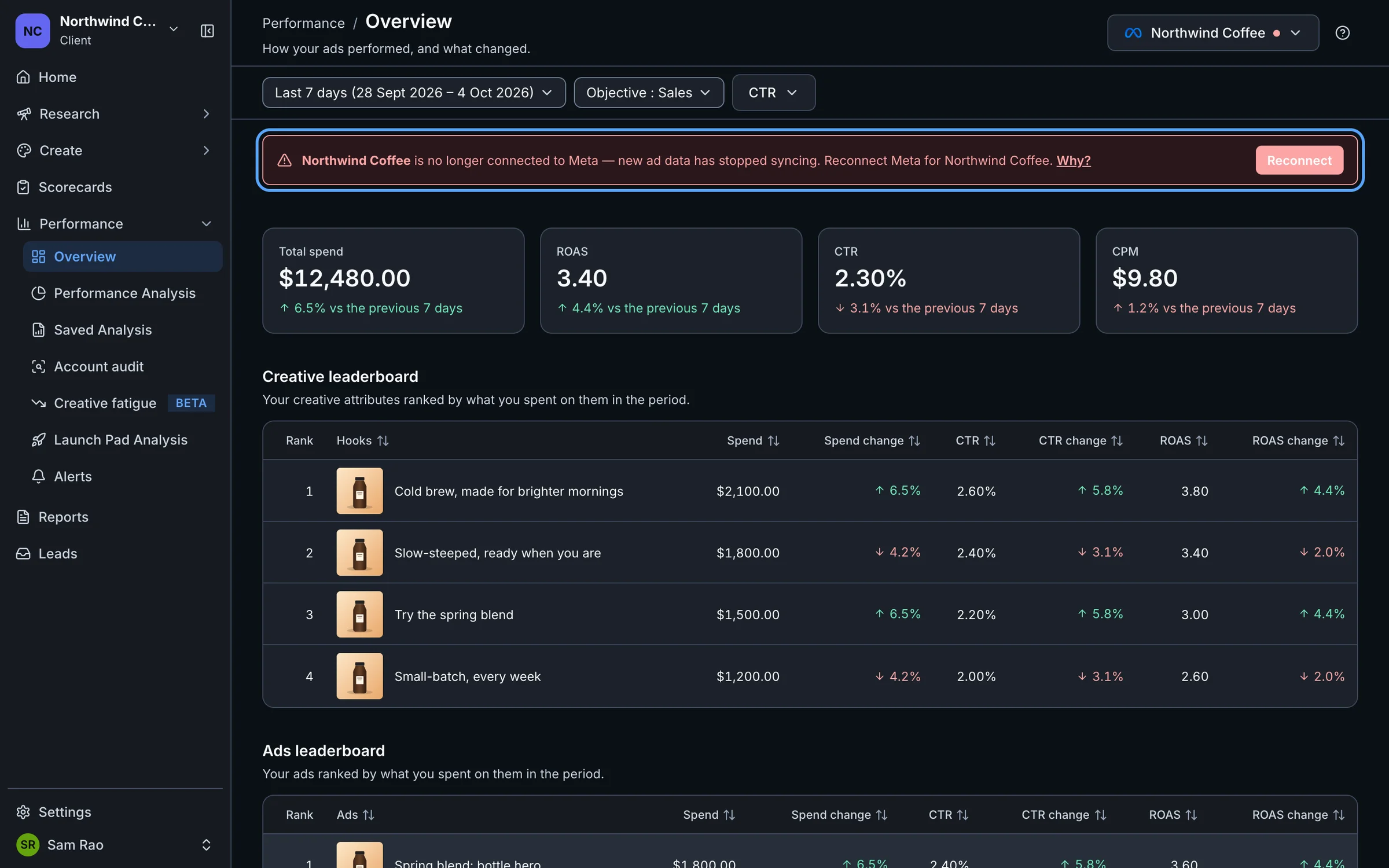
On Performance, Home and the report pages, a banner appears:
"Your account name is no longer connected to Meta — new ad data has stopped syncing. Reconnect Meta for Your client name."
Select Reconnect in the banner to go straight to Settings → Integrations.
Other places show the same thing:
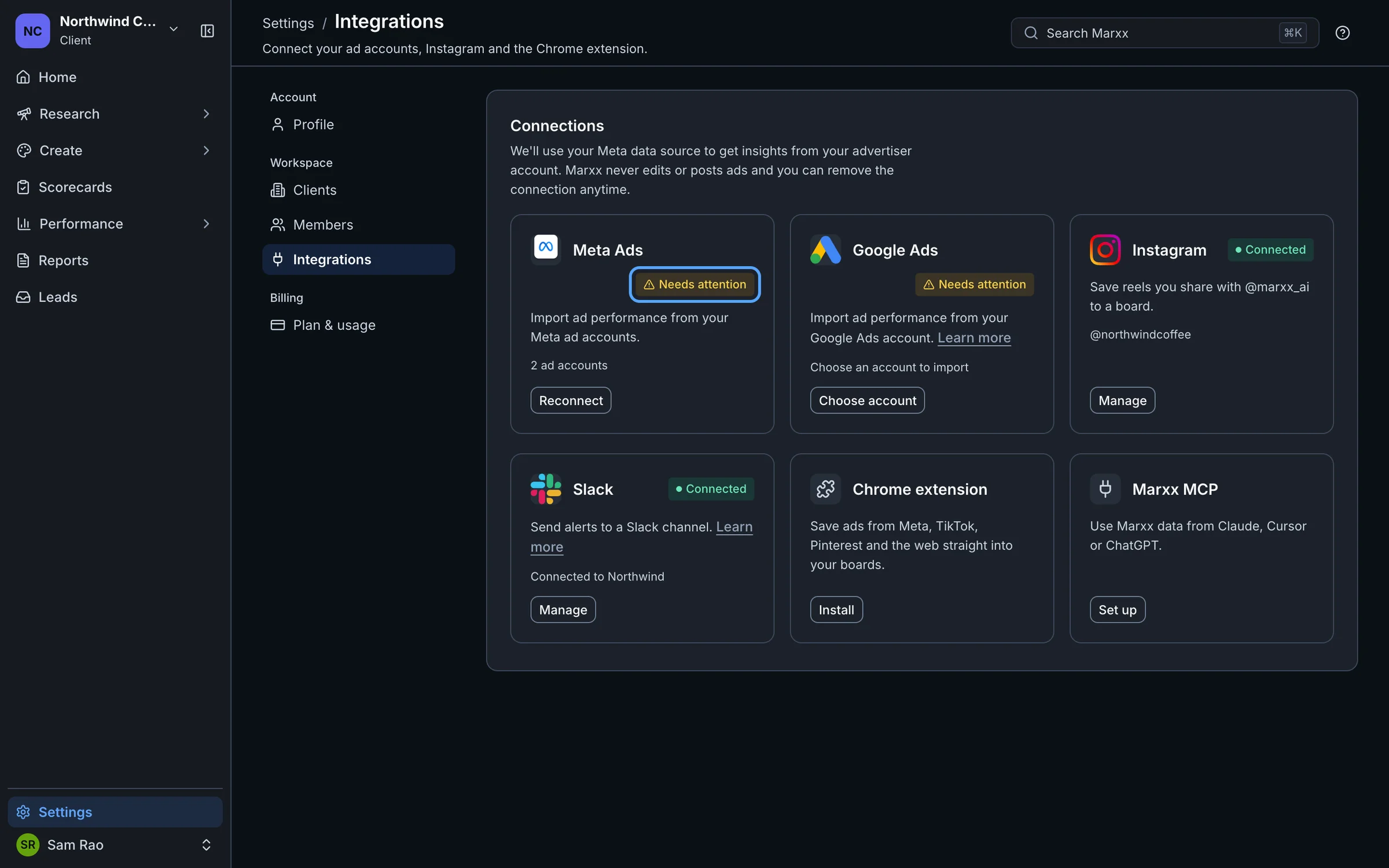
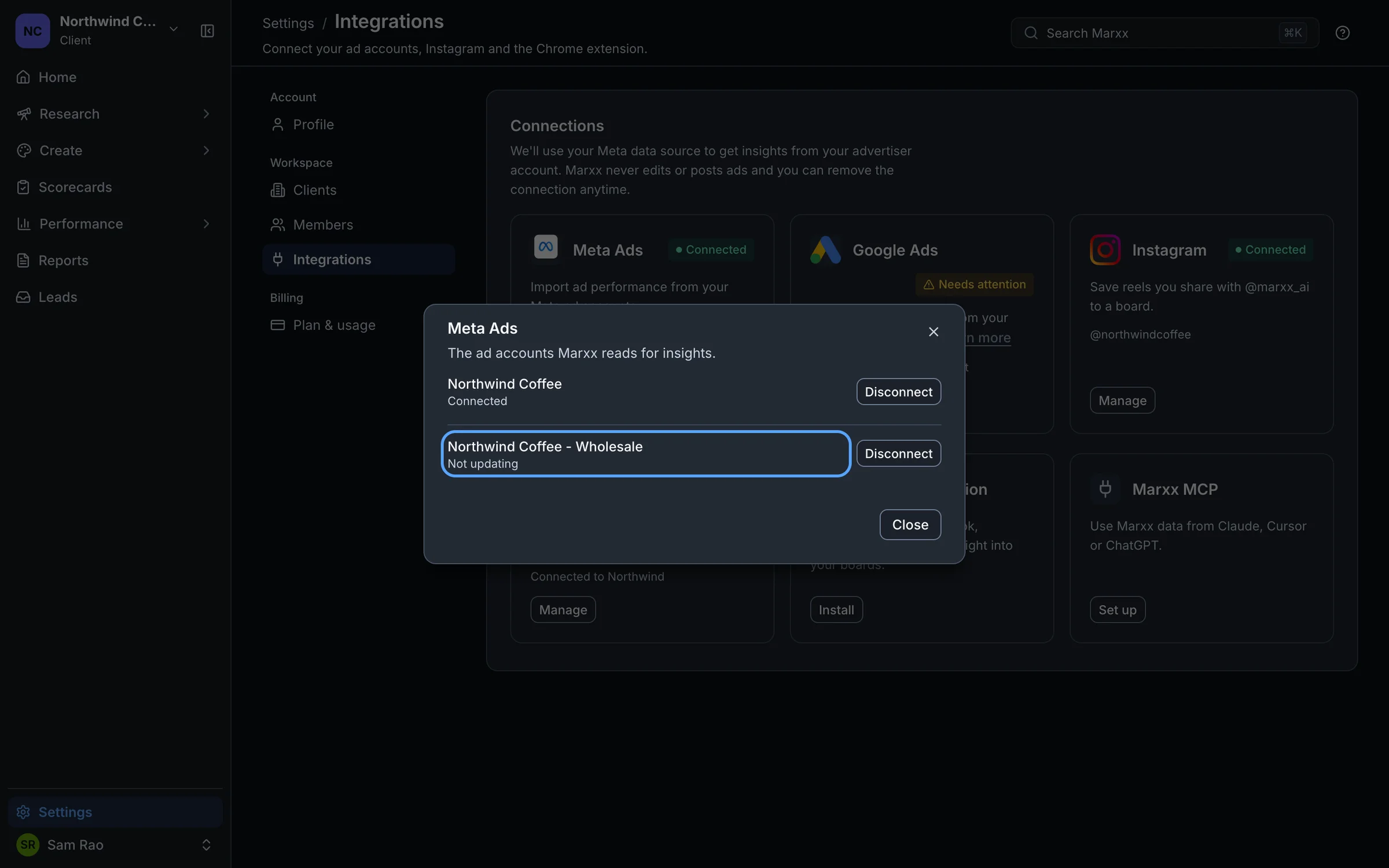
On Settings → Integrations, the Meta Ads card shows Needs attention, with a Reconnect button.
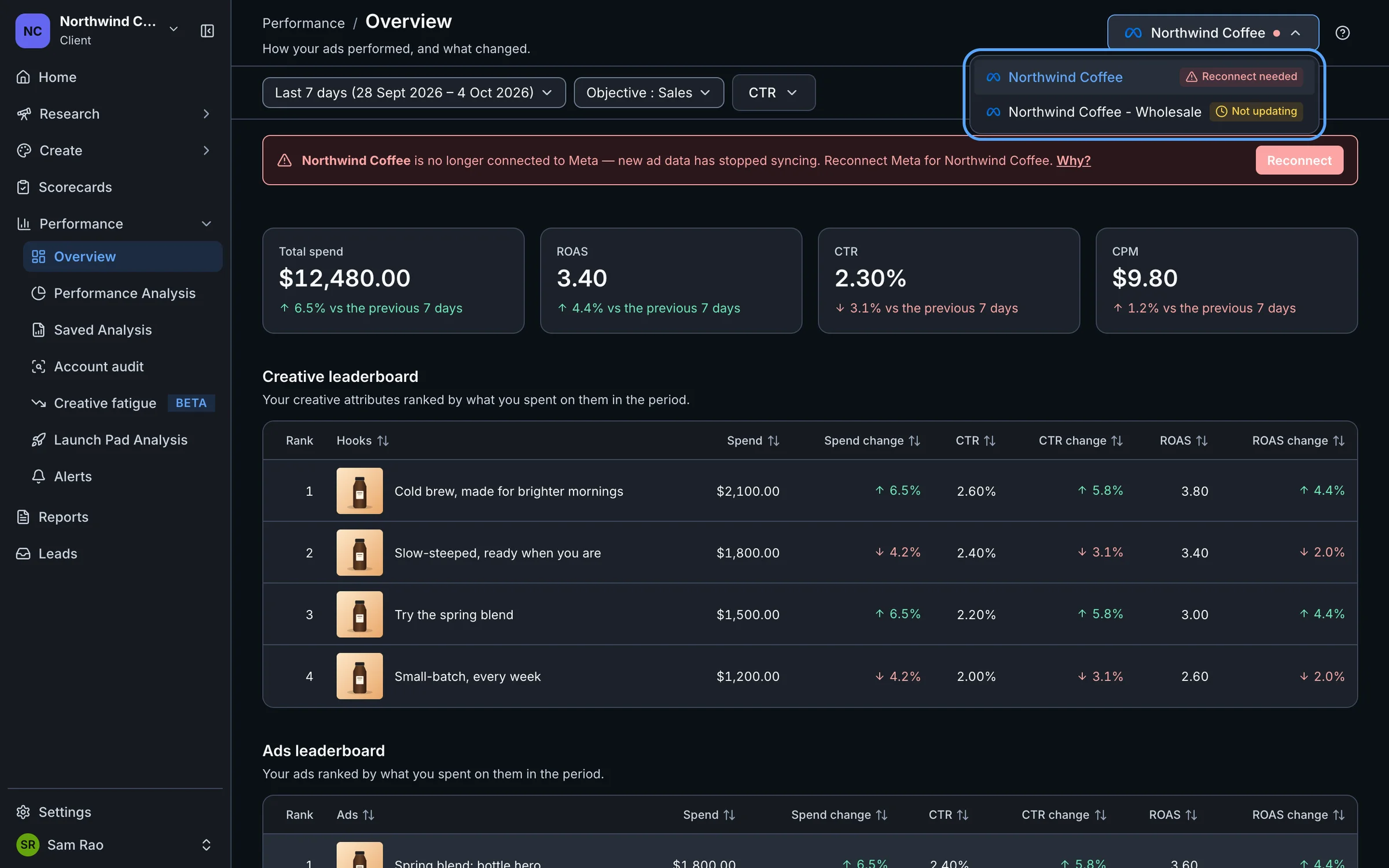
In the ad account menu at the top right of Performance, an account shows a warning triangle with its label.
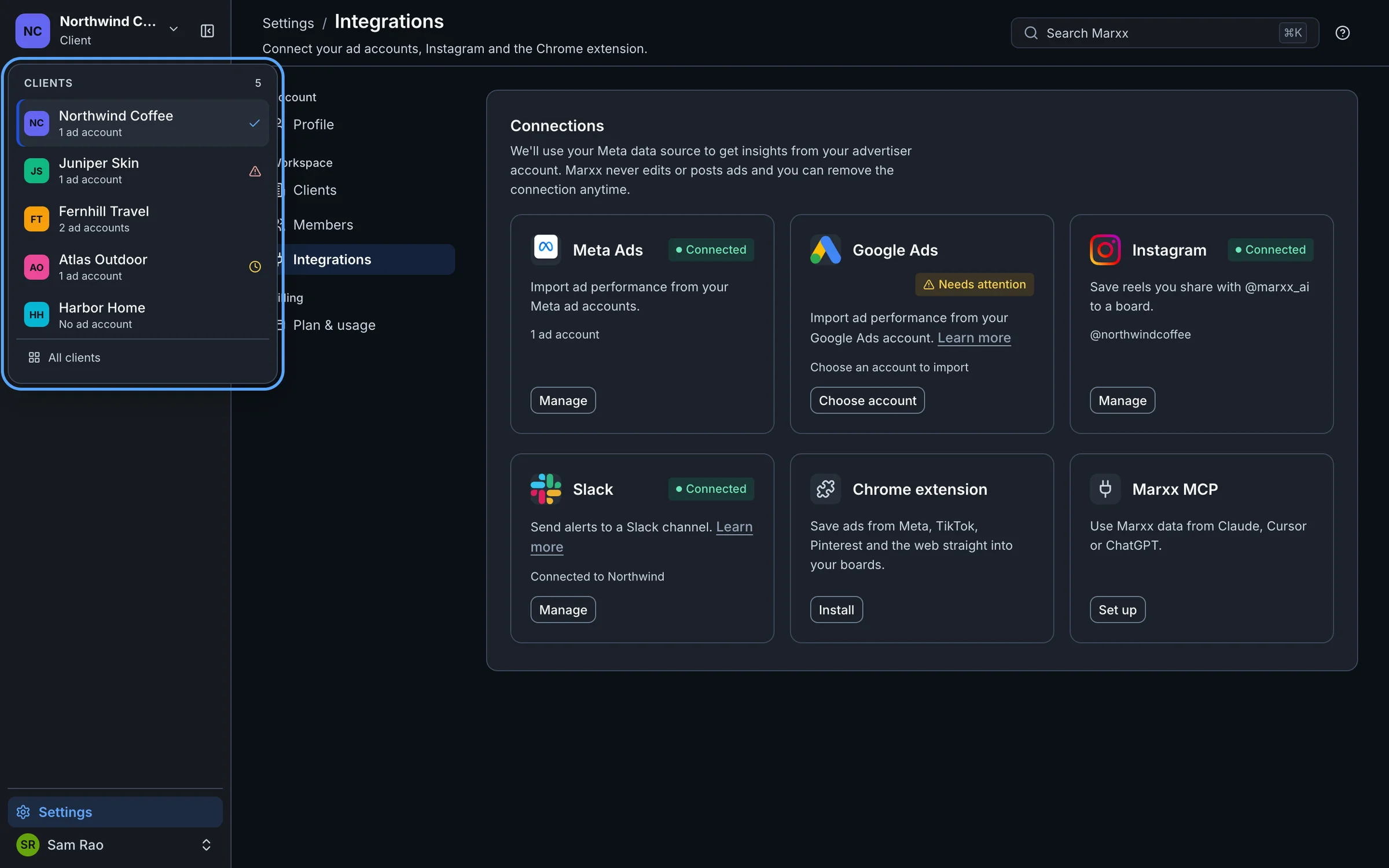
In the client switcher, a warning triangle beside a client means "An ad account needs reconnecting". A clock means "An ad account has stopped updating".
The health labels
- Connected: the account is importing normally.
- Not updating: the connection looks valid, but there has been no successful refresh for 48 hours.
- Reconnect needed: Meta no longer accepts the connection. The nightly import skips this account until you reconnect.
You see Connected and Not updating next to each ad account in Settings → Integrations → Manage (on the Meta Ads card). Reconnect needed shows in the ad account menu on Performance. On the Meta Ads card itself, a connection that needs reconnecting shows as Needs attention, and its Manage button becomes Reconnect.
Reconnect
Switch to the client named in the banner.
Open Settings → Integrations.
On the Meta Ads card, select Reconnect.
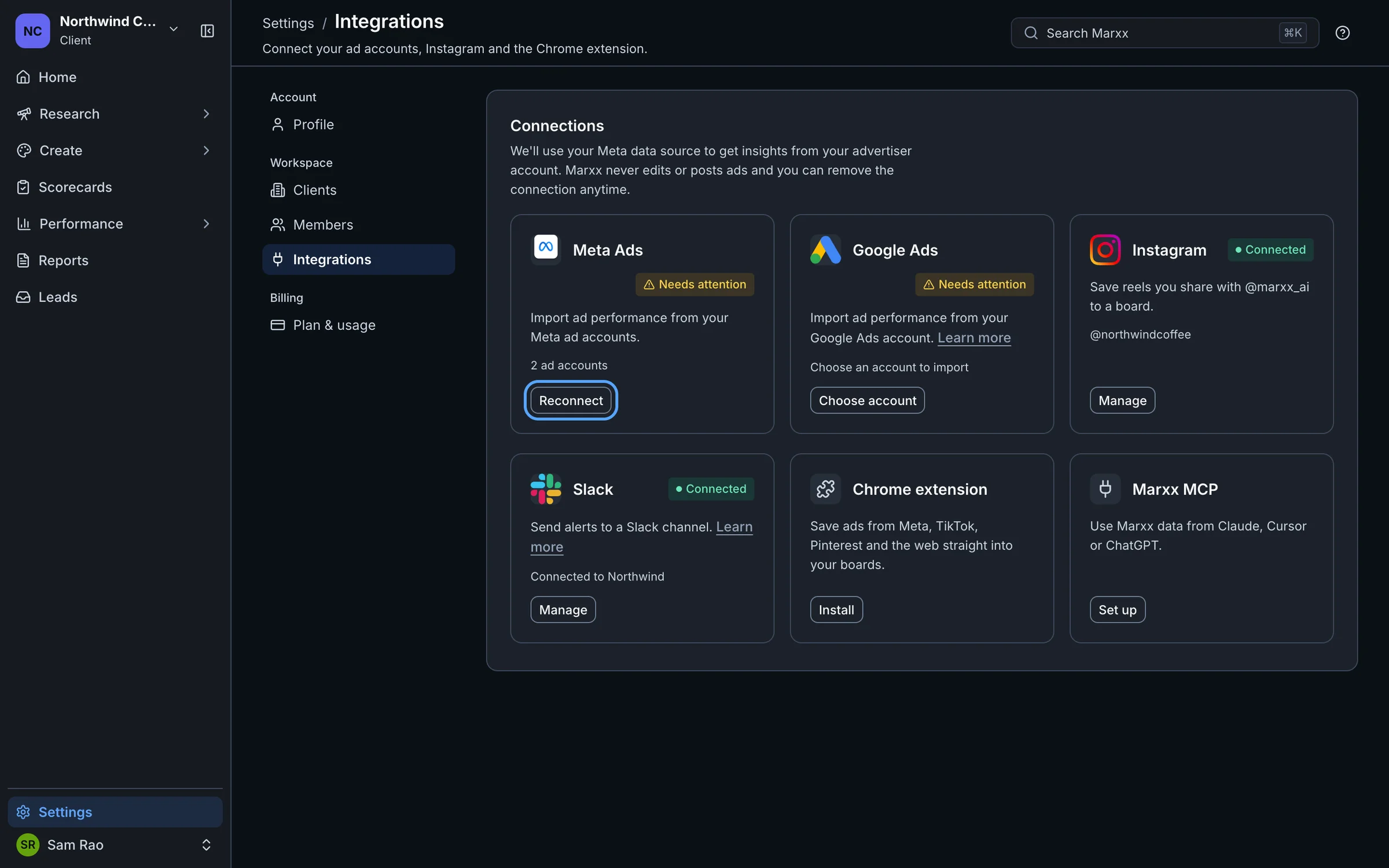
Select Connect Meta account and log in to Facebook. Use a profile that can open the ad account in Meta Ads Manager.
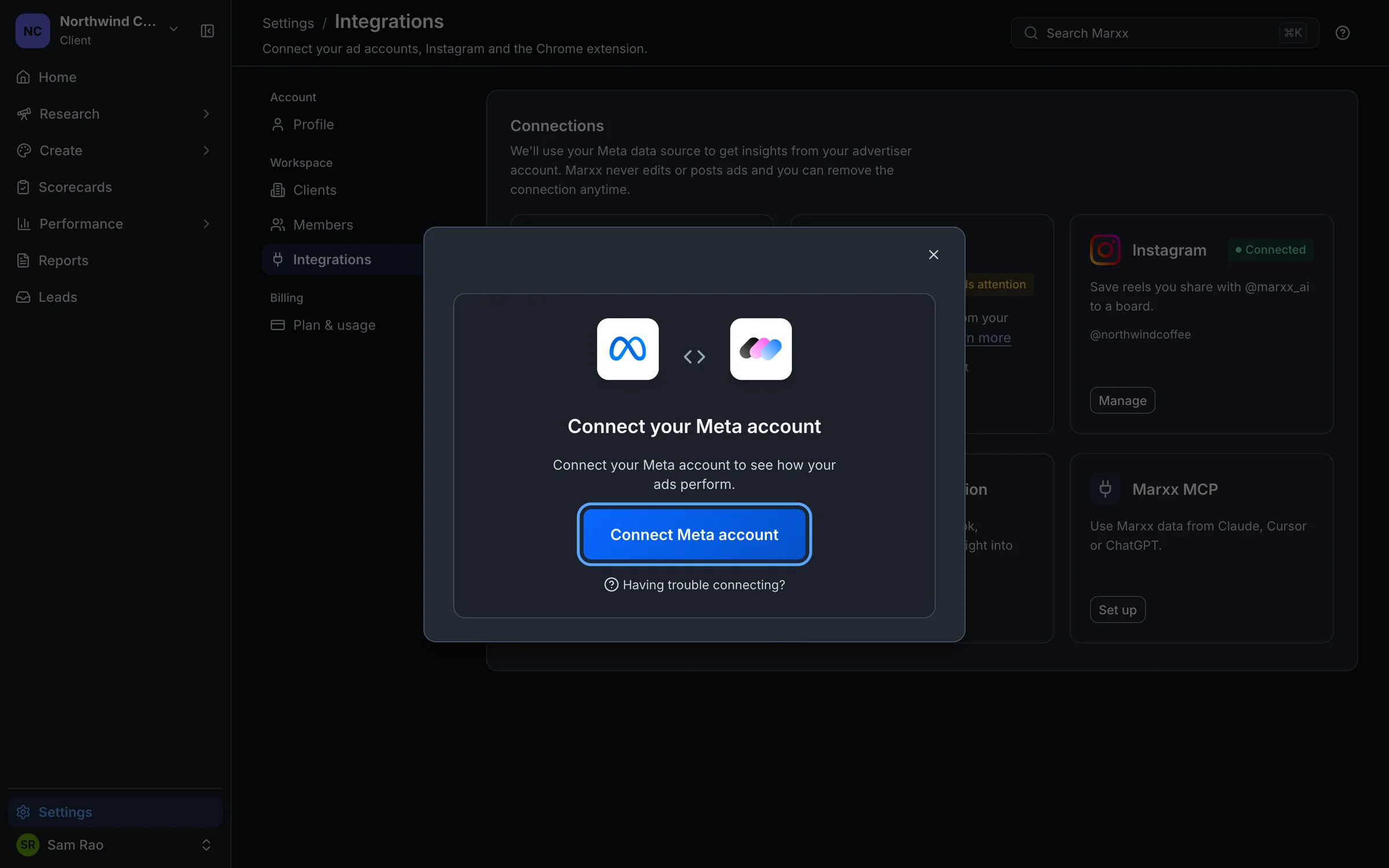
Choose the same ad account you had before, then select Select.
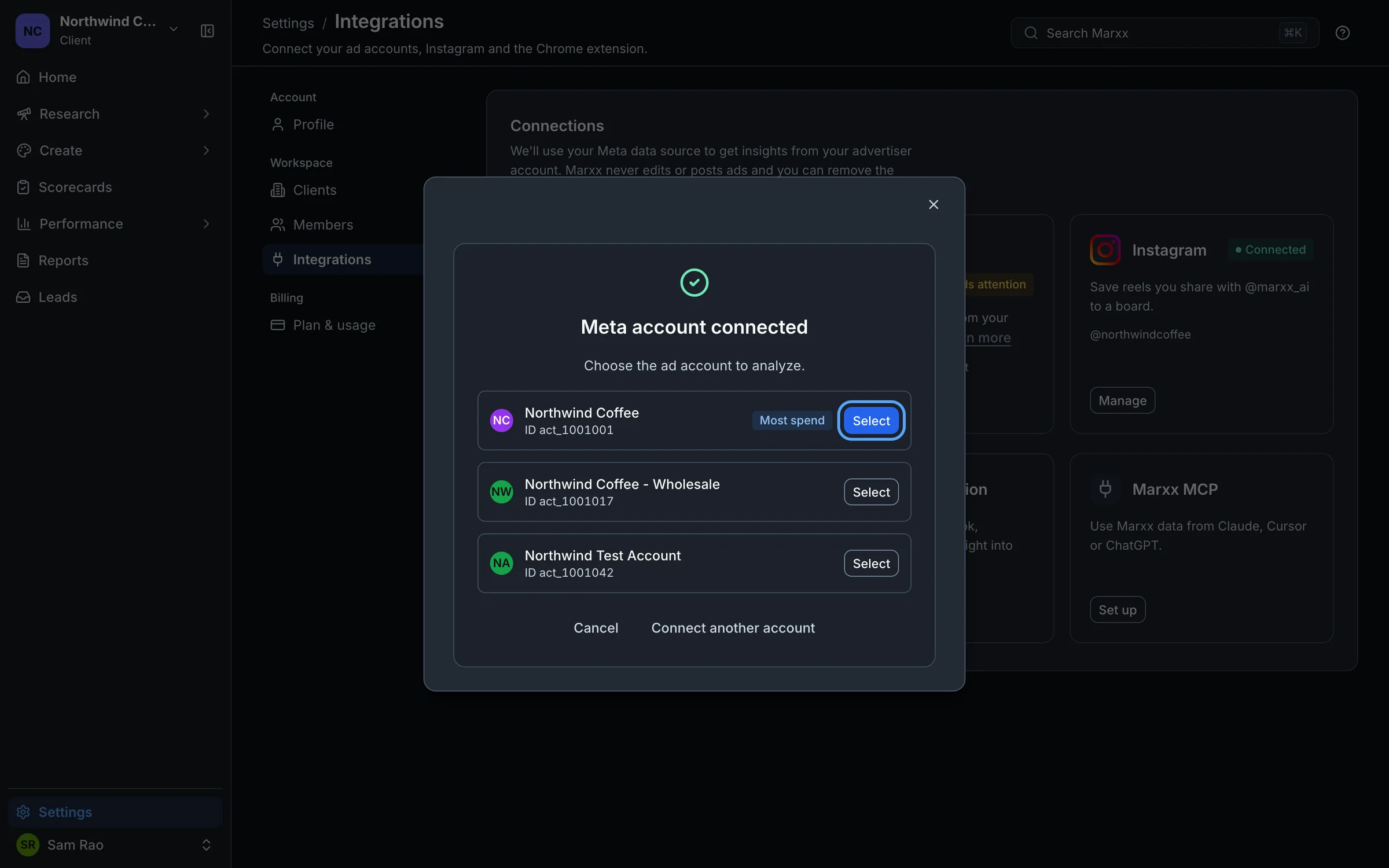
Anyone who can open the client can reconnect it. It doesn't have to be the person who first connected.
Choosing the same account keeps your history. Marxx doesn't re-import an account that already has ads. For popup, login and missing-account problems, see Connect your Meta account.
Does the data catch up?
New data resumes on the next nightly refresh. That refresh re-reads the last 7 days, so a short gap fills in by itself. If the account was disconnected for longer than that, days before the 7-day window may stay empty, so reconnect soon after you see the warning.
The banner and badges clear after you reconnect. If they still show after a few minutes, reload the page. If the numbers stay frozen after the next nightly refresh, see Data not showing.
Still stuck?
Email apurv@marxx.ai with a screenshot of what you see, or book a call and we will walk through it with you.