Fix a problem
Troubleshooting error messages
What each message in Marxx means, why it appears and how to get past it. Find the wording you saw and read the cause and fix.
Find the message you saw below. Each section gives the cause and the fix. If a page is simply empty rather than showing an error, read My data isn't showing.
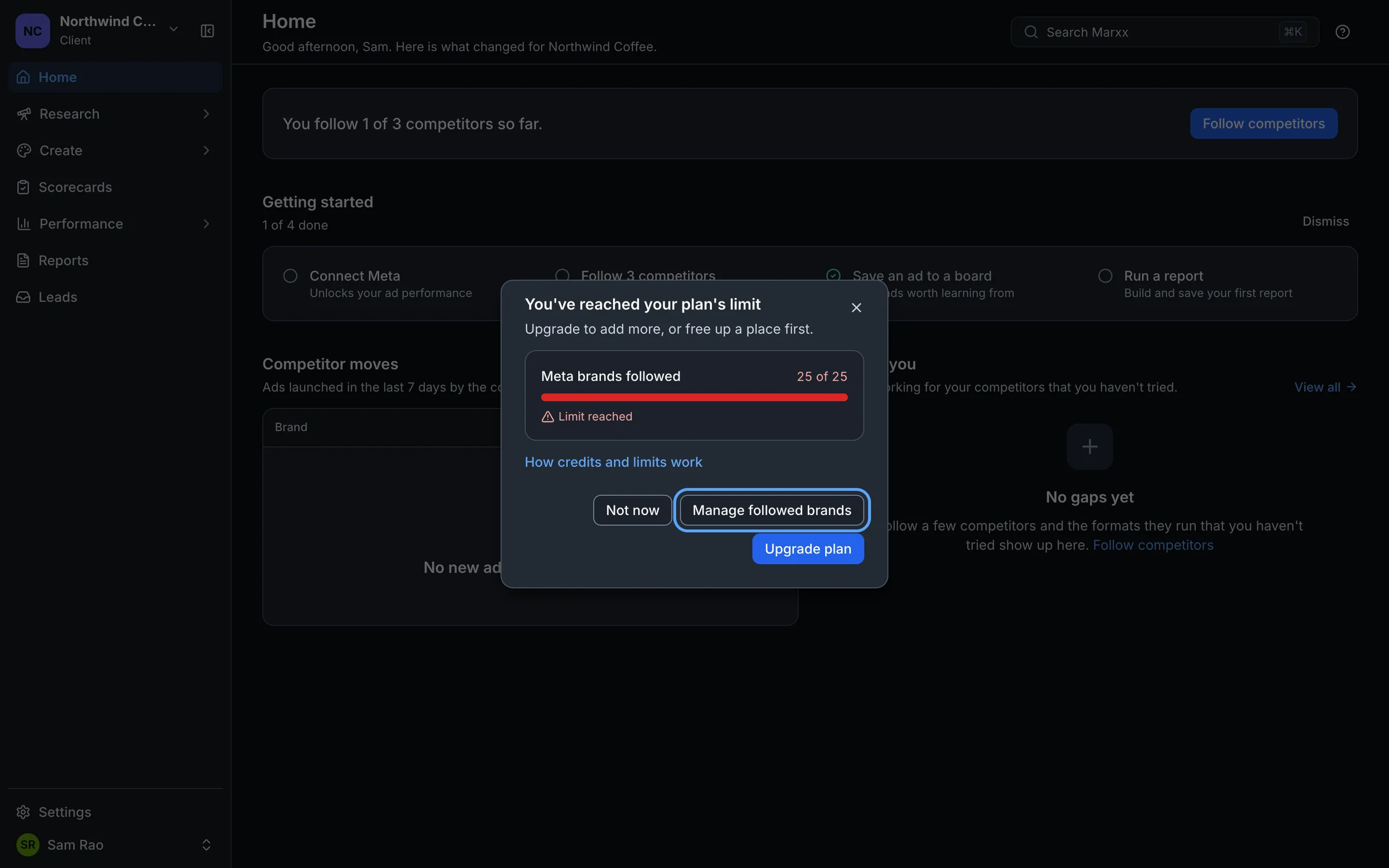
You've reached your plan's limit
Cause. Your plan caps how much of something you can have, such as followed brands, keywords, boards or connected ad accounts, and you're at the cap. You may see the dialog You've reached your plan's limit, or a message that says "You've reached your plan's limit for this."
Fix. Select a Manage button in the dialog to remove something, then try again. Or select Upgrade plan. See Credits and plan limits.
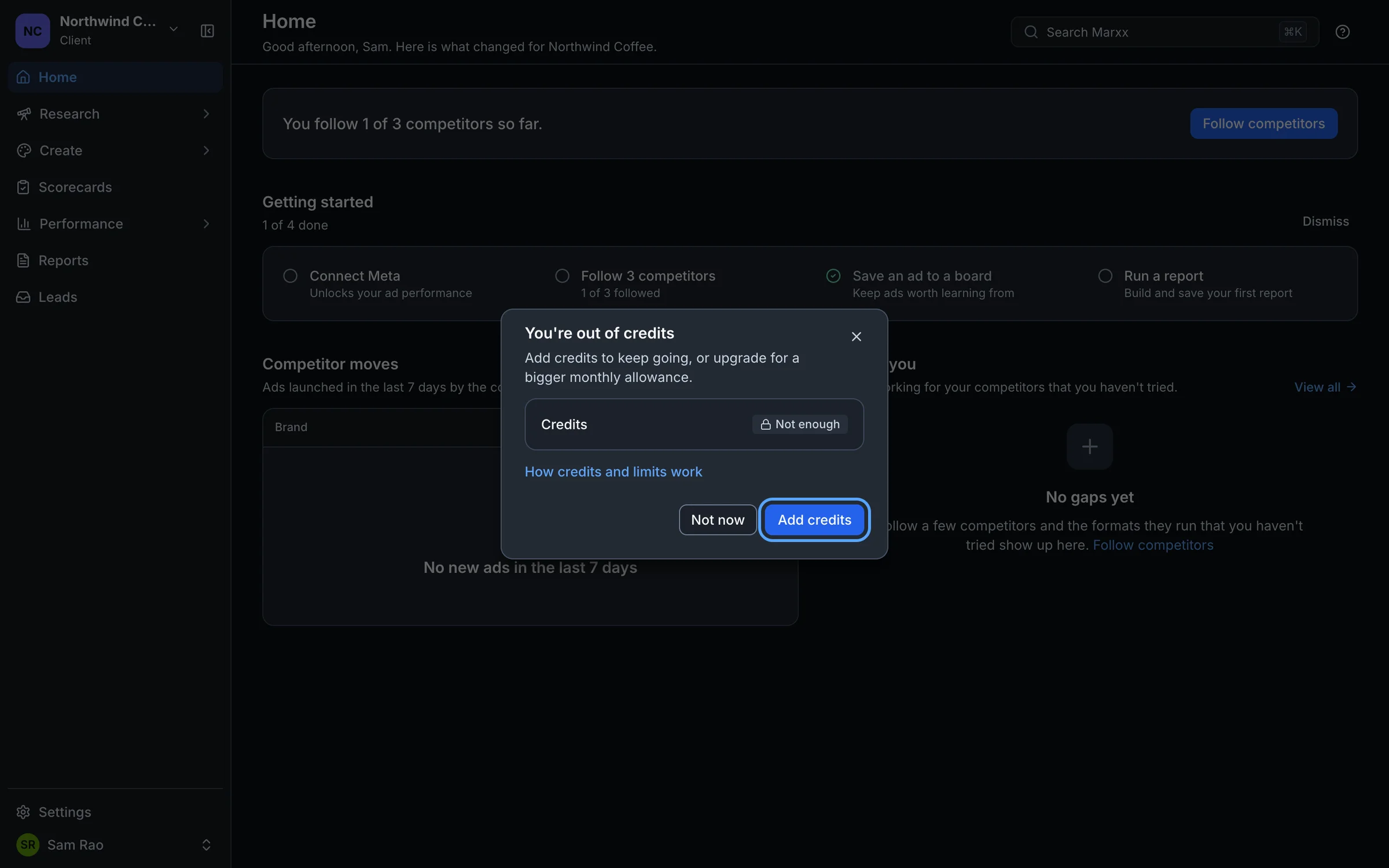
You're out of credits
Cause. The action you tried needs more credits than your organization has left.
Fix. In the dialog select Add credits, which opens Settings, Plan & usage. Select Add credits there and pick a pack. Credits never expire and are shared across your organization. See Credits and plan limits.
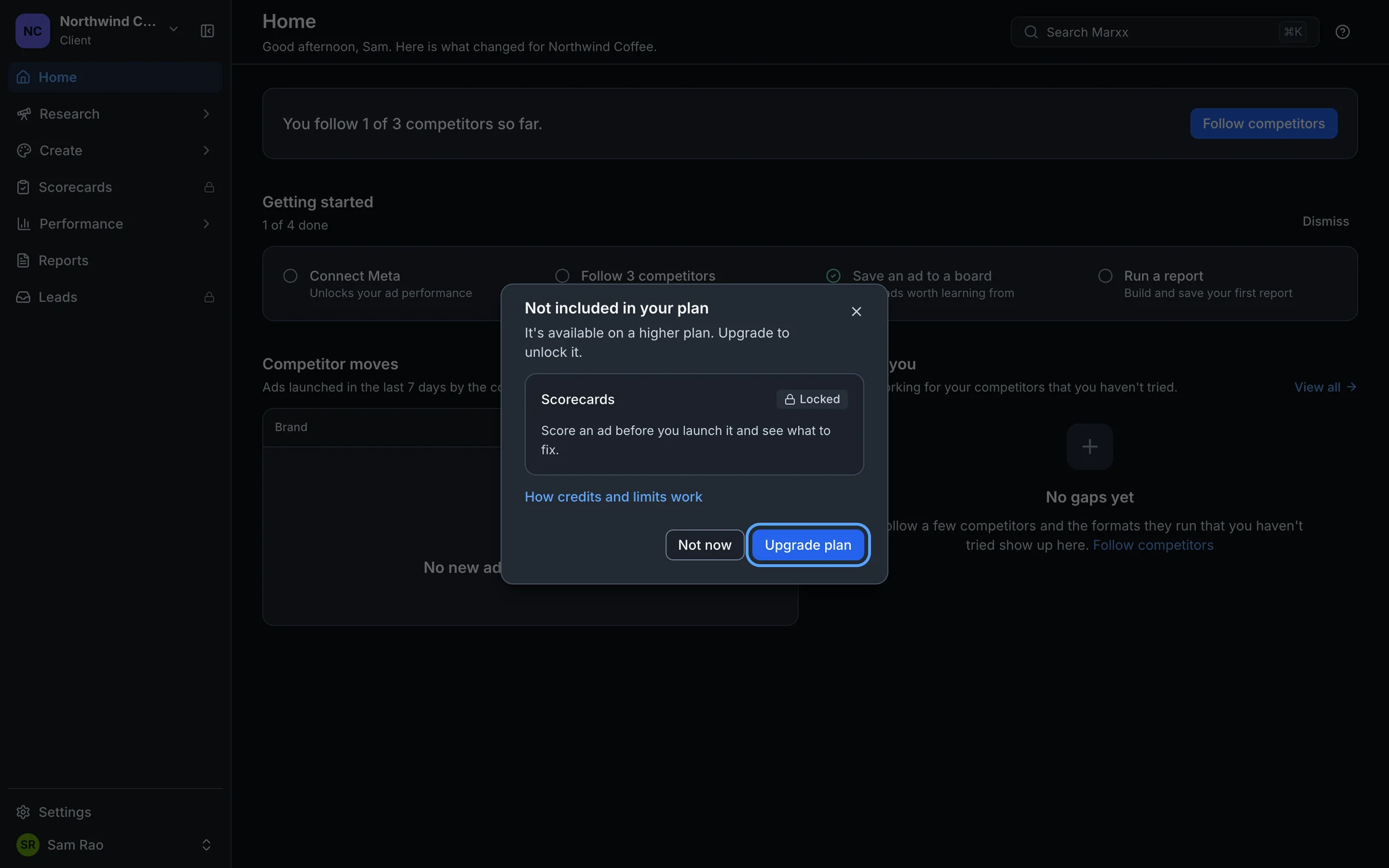
Your plan doesn't include this
Cause. The feature isn't part of your plan. You may see "Your plan doesn't include this.", a dialog titled Not included in your plan, or a padlock in the sidebar.
Fix. An admin can select Upgrade plan. If you're a member you will see "Ask your organization admin to upgrade your plan." See Trial and subscription for how plans change.
Your session may have expired
Cause. Your login may have run out, so Marxx can't confirm who you are. The message reads "Your session may have expired. Refresh the page or log in again."
Fix. Refresh the page. If you land on the log in screen, sign in again.
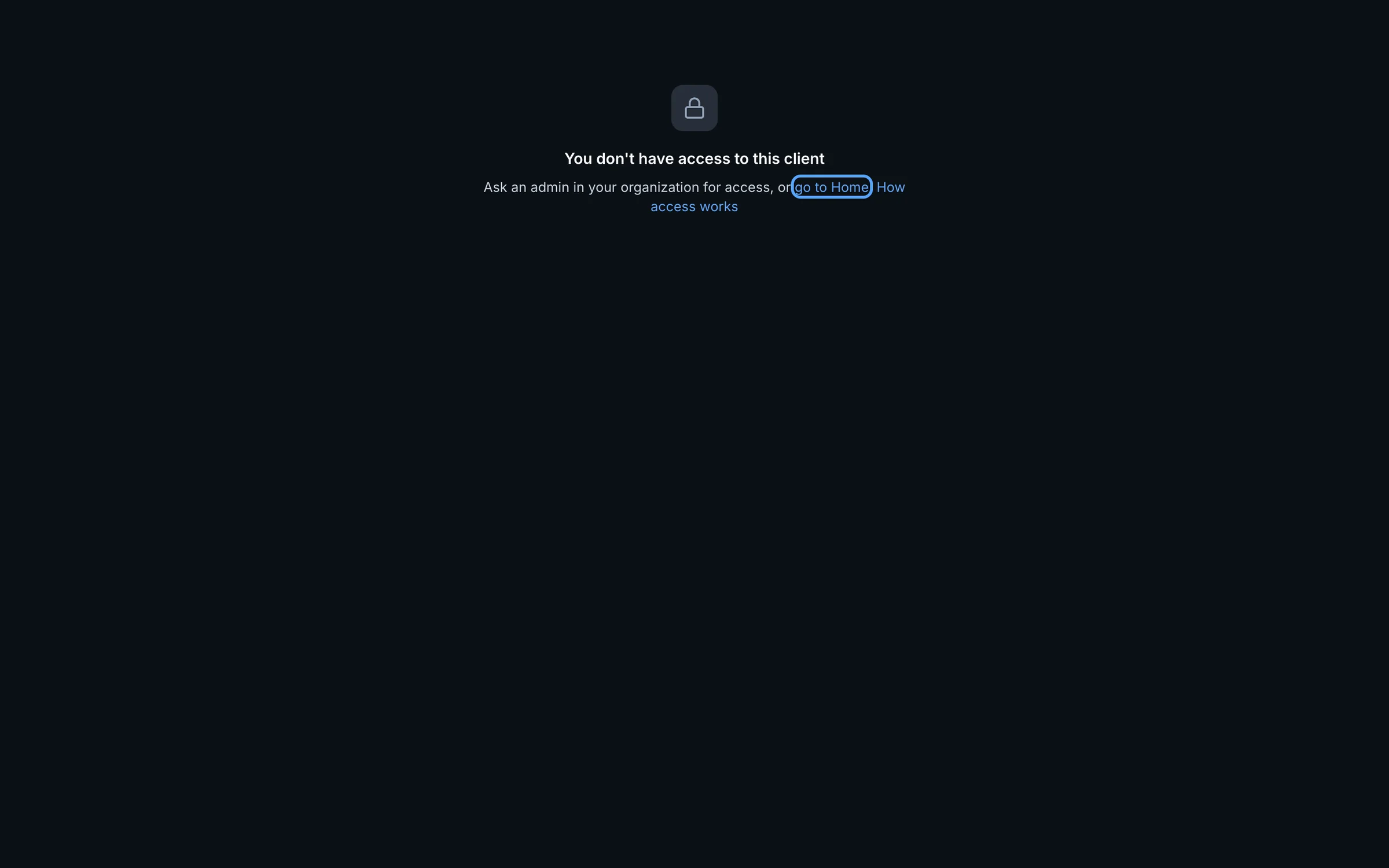
You don't have access to this
Cause. Your account isn't allowed to do or see this, usually because of your role or your client access. The message reads "You don't have access to this. Ask an admin in your organization." If a whole page says "You don't have access to this client", you opened a link to a client you're not allowed into.
Fix. Ask an organization admin. They can give you a client in Settings, Members. See Invite your team.
We couldn't find that
Cause. The item was moved or deleted, or the link points at something that no longer exists. The message reads "We couldn't find that. It may have been moved or deleted."
Fix. Go back and open it from its list again. If a teammate shared it, ask them for a fresh link.
This changed since you opened it
Cause. The item was updated after you opened it, for example by a teammate or in another tab, so your save would have overwritten theirs.
Fix. Refresh the page and make your change again.
That file is too large
Cause. The file you uploaded is bigger than Marxx accepts.
Fix. Use a smaller file, such as a compressed image or a shorter video, and upload again.
Too many requests
Cause. Marxx received a lot of requests from you in a short time.
Fix. Wait a minute and try again. The message reads "Too many requests. Wait a minute and try again."
Some details weren't accepted
Cause. Marxx rejected something you entered.
Fix. Check what you entered, fix anything highlighted and try again.
Something went wrong on our side
Cause. An error on our end, not something you did.
Fix. Try again in a moment. If it keeps happening, email apurv@marxx.ai with the page you were on and what you were doing.
The request took too long
Cause. The request timed out before Marxx could answer.
Fix. Try again in a moment.
Couldn't reach the server
Cause. Your connection dropped for a moment or the request never arrived.
Fix. Try again in a moment.
Marxx has been updated. Reload the page to continue.
Cause. We released a new version while you had the app open, and your tab is still running the old one.
Fix. Reload the page.
You're offline
Cause. Your browser reports no internet connection. The message reads "You're offline. Check your connection and try again."
Fix. Reconnect, then try again.
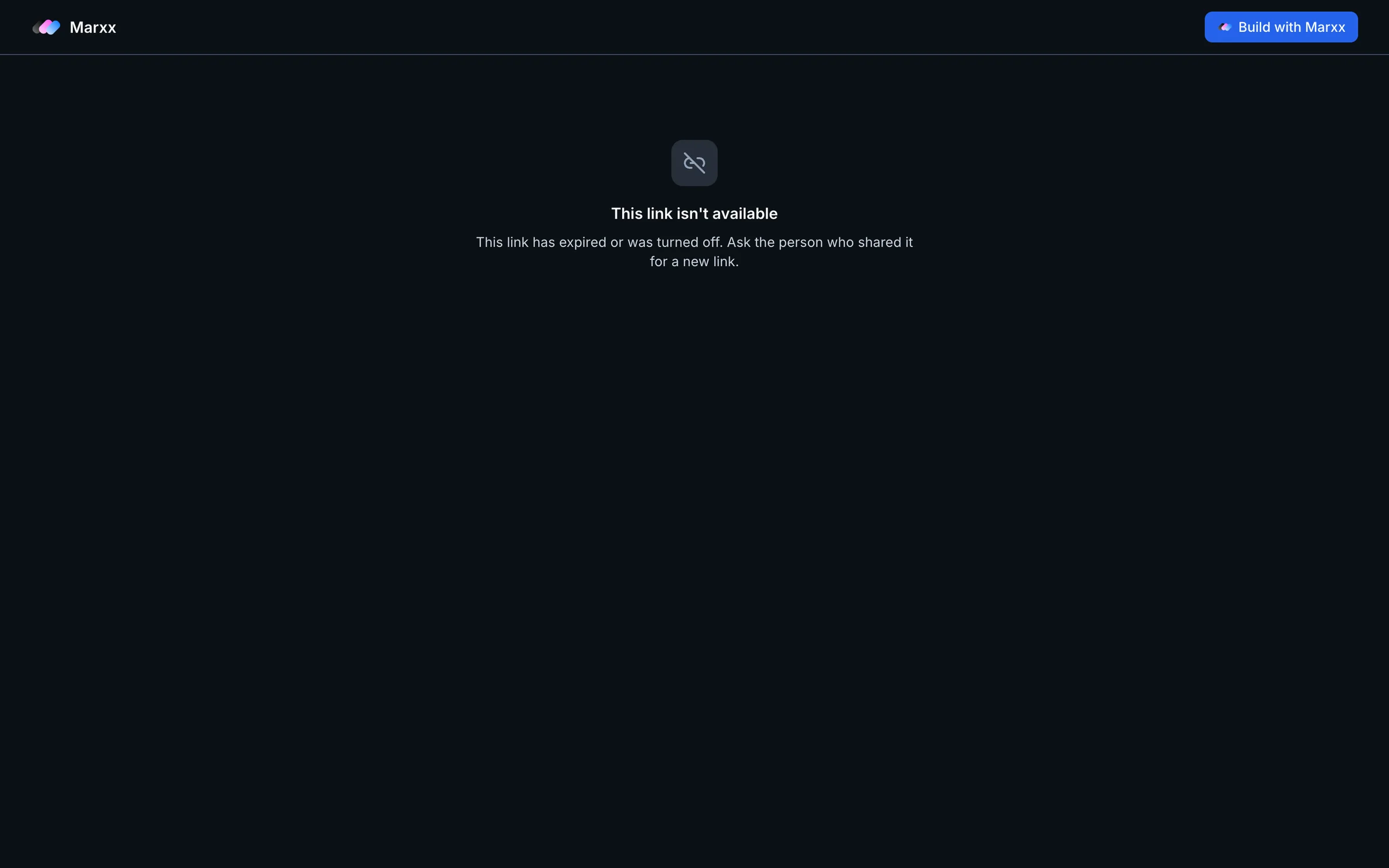
This link isn't available
Cause. A shared report, board or workflow link has expired or was turned off. The page reads "This link has expired or was turned off. Ask the person who shared it for a new link."
Fix. Ask whoever shared it to send a new link. A different page titled Couldn't open this link is a temporary failure. Select Try again.
Login failed or was cancelled
Cause. The Meta sign-in window was closed, or you didn't finish approving access, while connecting an ad account.
Fix. Select Connect Meta account again and complete every step in the Meta window. See Connect Meta. Two related messages: "Failed to load Facebook SDK. Please check your internet connection." means the Meta sign-in didn't load, so check your connection and reload. "Facebook configuration is missing. Please contact support." needs us, so email apurv@marxx.ai.
Your setup session ended. Reload the page to start again.
Cause. The first-run setup lost track of your session.
Fix. Reload the page. Marxx picks up from the last screen you saved. See Get started with Marxx.
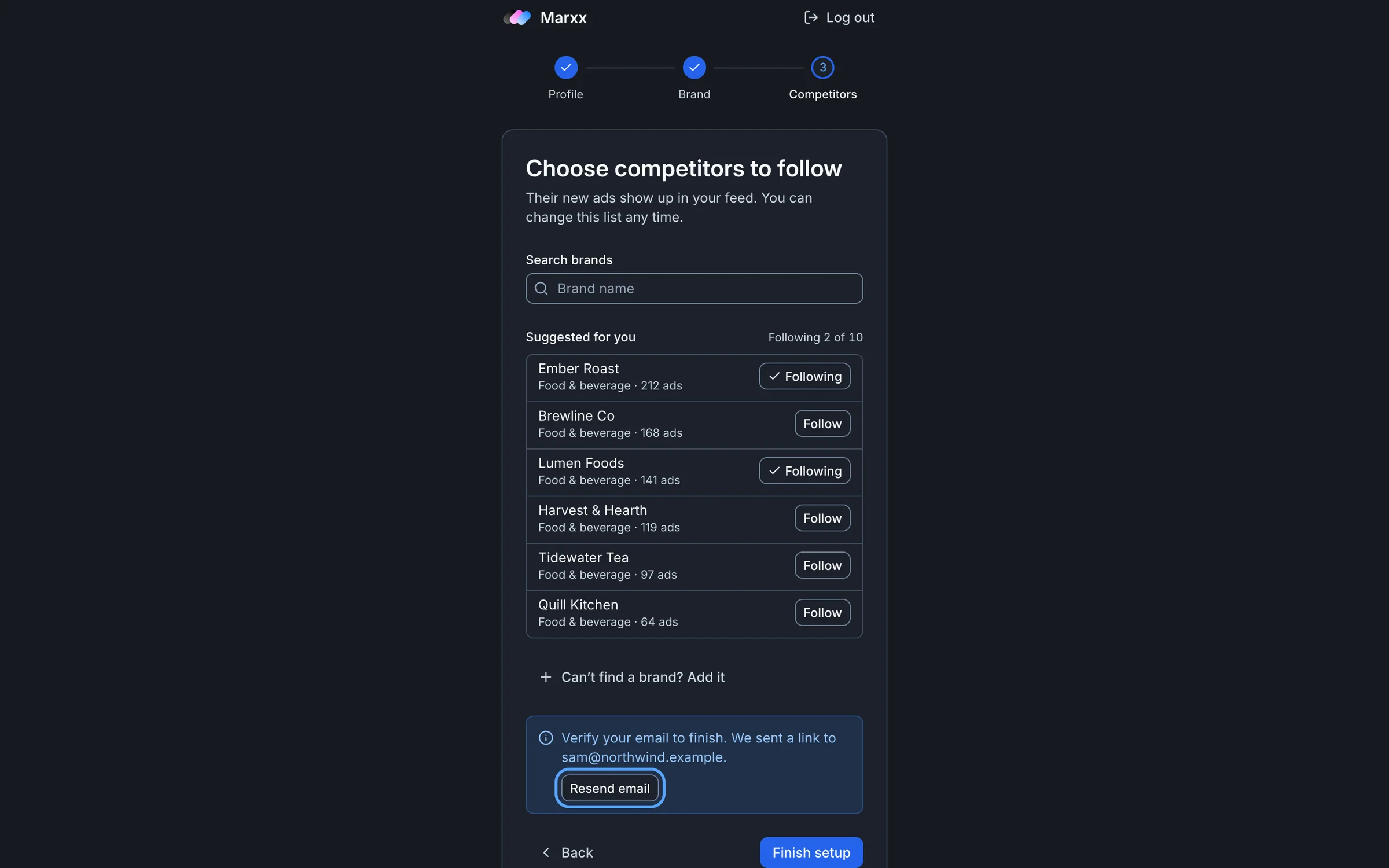
Verify your email to finish
Cause. The last setup screen needs a verified email address, and yours isn't verified yet.
Fix. Open the verification link we emailed you, or select Resend email. Then select Finish setup again.
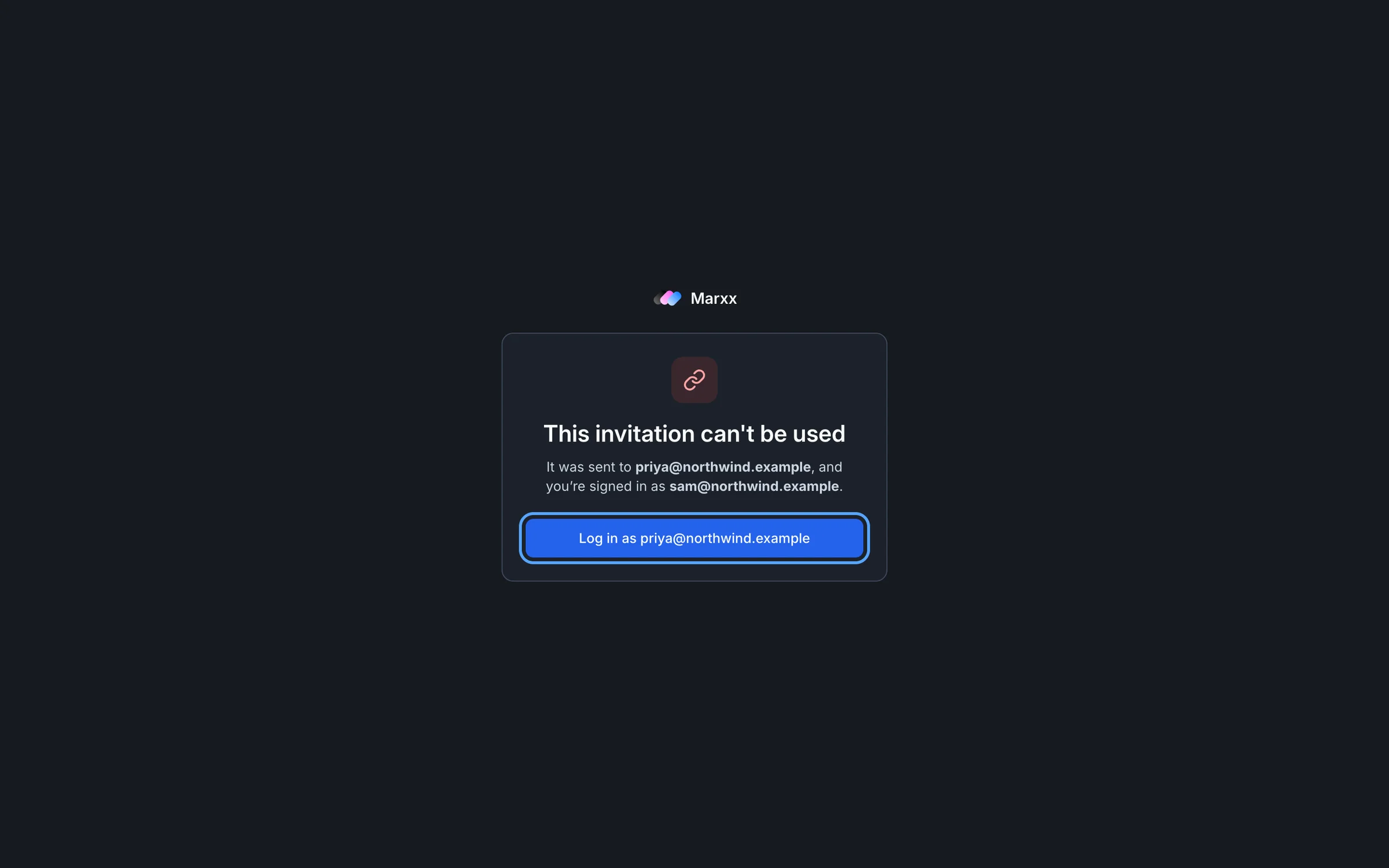
This invitation can't be used
Cause. You opened a team invitation that has expired or was sent to a different address than the one you're signed in with.
Fix. See Invite your team.
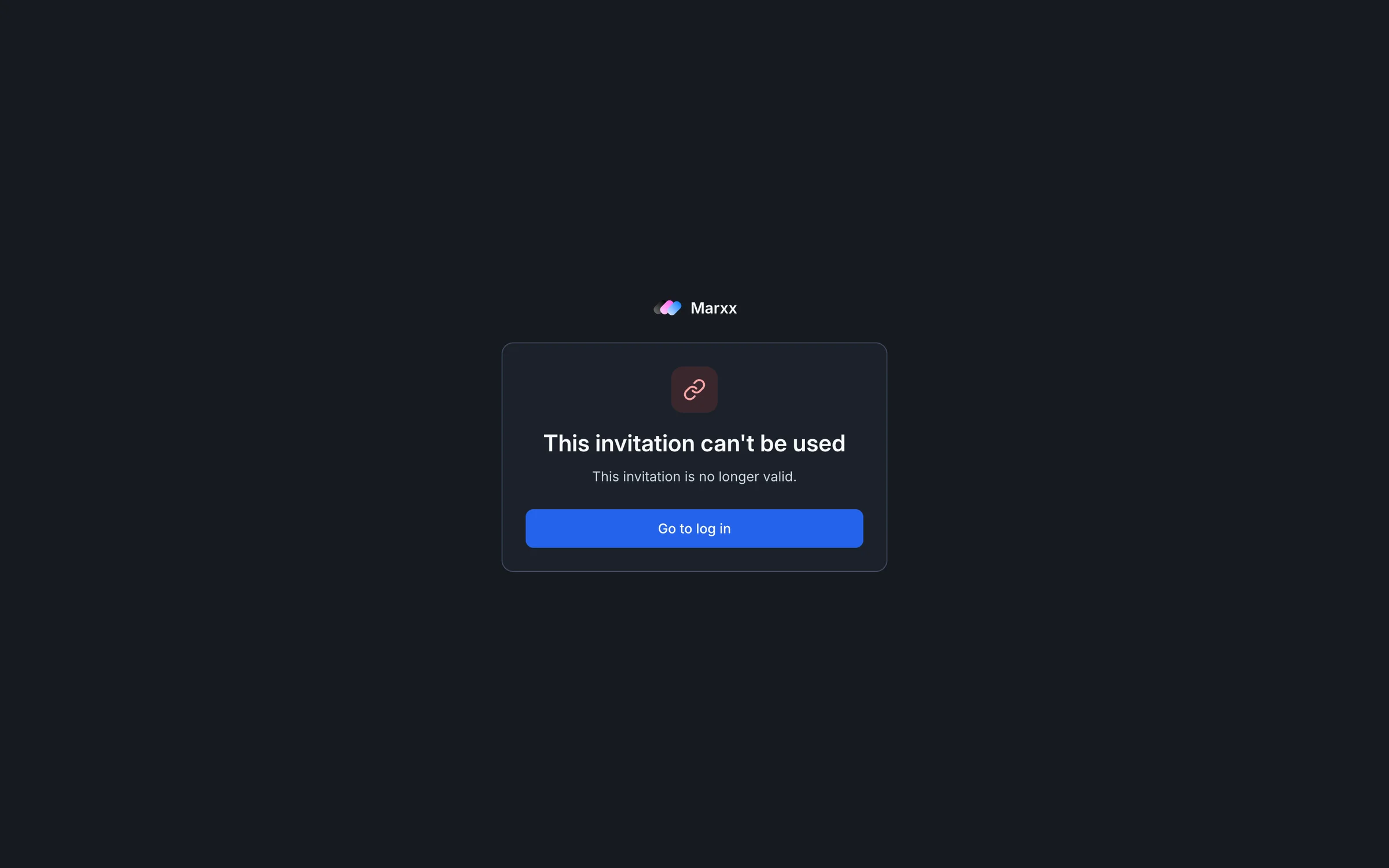
A link that has expired or was cancelled shows the same title with a different reason:
Couldn't load ...
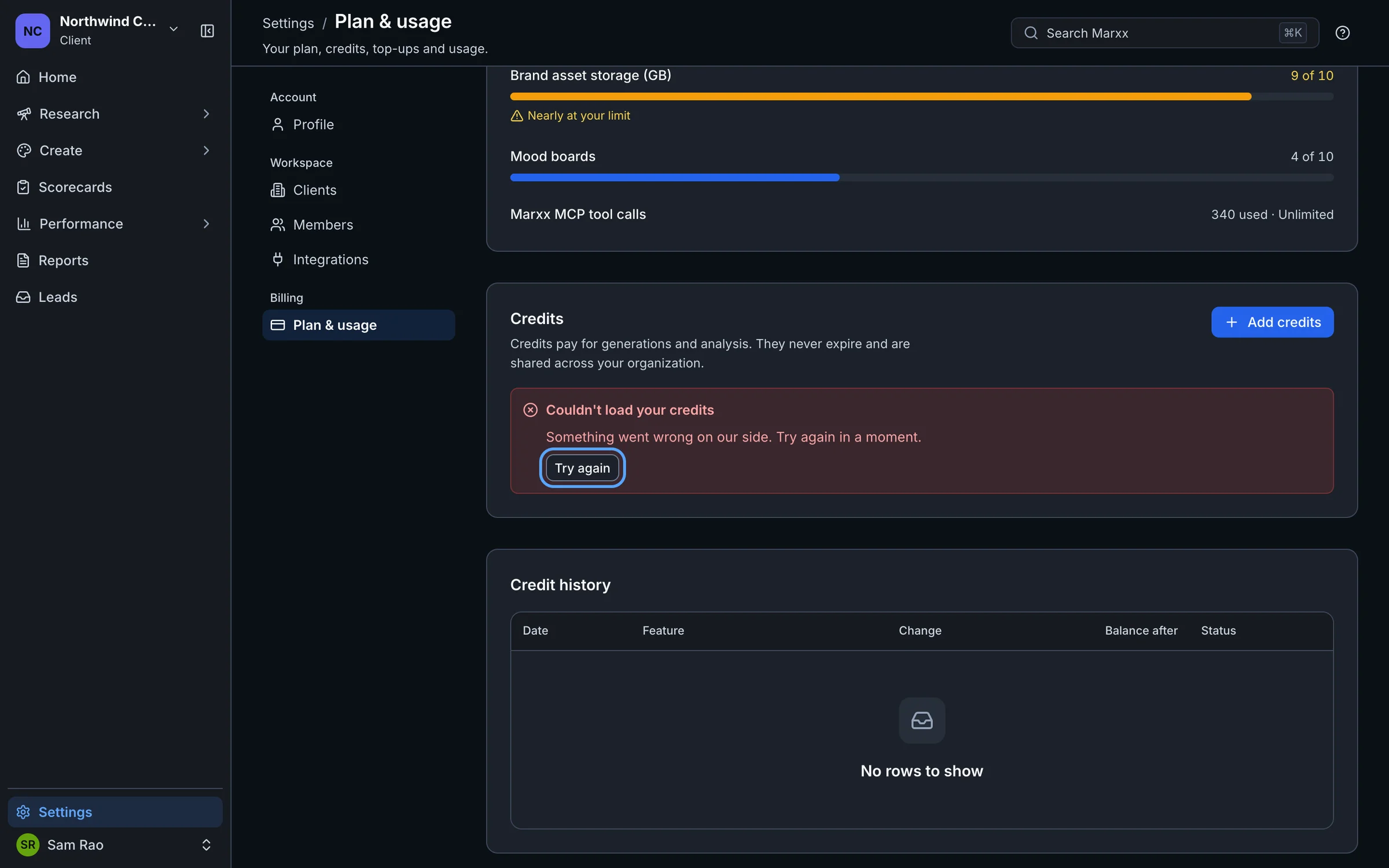
Cause. A section of a page failed to load. The title names what failed, for example "Couldn't load your credits" or "Couldn't load your clients". Under the title is the reason, using one of the messages above.
Fix. Select Try again. If the reason below the title matches another section here, follow that section. If you have no Try again button, reload the page.
Still stuck?
Email apurv@marxx.ai with a screenshot of what you see, or book a call and we will walk through it with you.