Feature
Marxx in Slack: every client's leads, alerts and competitor ads in its own channel.
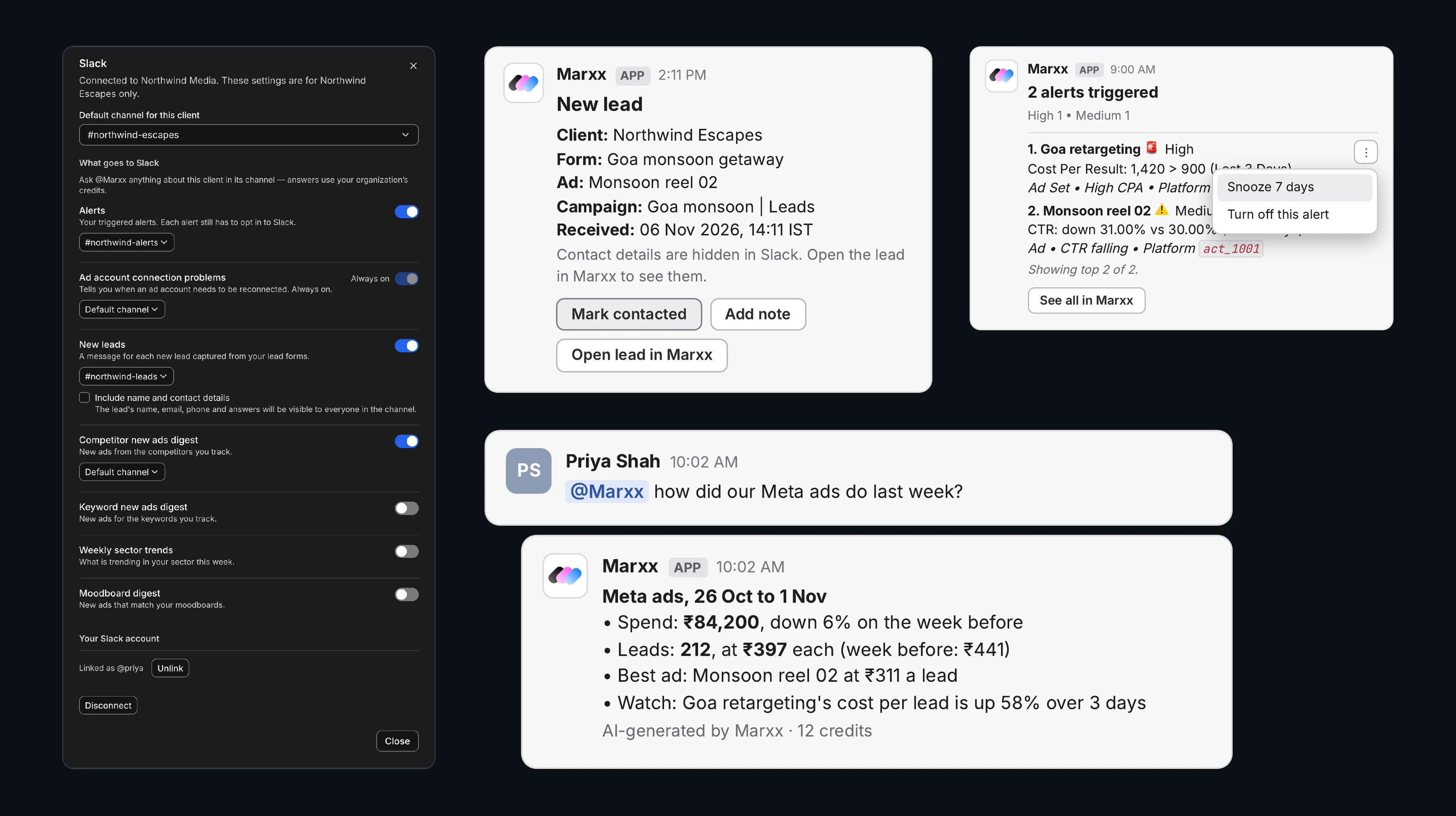
New leads, triggered alerts and competitors' new ads arrive in each client's Slack channel, and your team acts on them there: mark a lead contacted, add a note, snooze an alert or save an ad with one click. Mention @Marxx in a client's channel and it answers from that client's own data.
A channel for every client
Each client gets a default channel, and you choose which messages it gets: new leads, alerts, connection problems, competitor and keyword digests, sector trends and moodboards.
Act without leaving Slack
Mark a lead contacted, add a note, snooze an alert for 7 days or save a competitor's ad to the client's board. Every click is done as you, and only for clients you can open in Marxx.
Ask Marxx in the thread
Mention @Marxx in a client's channel and it answers from that client's Meta and Google Ads results, audits, competitors, keywords and trends. It never changes your ads from Slack.
Questions
Slack, answered.
How do I connect Slack to Marxx?
Go to Settings, then Integrations, connect Slack and open its settings with Manage. Pick a default channel for the client you are working in, switch each message on or off under What goes to Slack, then add @Marxx to those channels in Slack. Repeat for each client, because each client's settings are its own.
What can Marxx send to Slack?
New leads from your Meta lead forms, your triggered alerts, ad account connection problems (always on), the competitor new ads digest, the keyword new ads digest, weekly sector trends and the moodboard digest (off unless you switch it on). Any of them can go to a different channel from the client's default.
Does a new lead's phone number show up in Slack?
Not by default. The message is a pointer: it shows the client, form, ad, campaign and when the lead arrived, with a link to open the lead in Marxx. Switch on Include name and contact details if you want the name, email, phone and answers in Slack too, and remember everyone in the channel will see them.
What happens when someone presses Mark contacted?
The lead moves to Contacted in Marxx, just as if it were done there, and the Slack message updates for everyone to show who contacted it. The button works while the lead is still at its first stage. If someone has already moved the lead on, Marxx says where it is now and changes nothing.
Will a busy campaign flood the channel?
No. Marxx posts up to 20 lead messages per client every 10 minutes, and every lead is still in Marxx. Leads older than 7 days are never posted, so reconnecting an ad account does not replay old leads.
Can I snooze an alert from Slack?
Yes. Each alert has a menu with Snooze 7 days and Turn off this alert. A snoozed alert sends no emails or Slack messages for 7 days, while Marxx keeps checking it, and the message shows who snoozed it. You can unsnooze it in Marxx at any time.
What can I ask @Marxx in Slack?
Questions about that client's Meta and Google Ads results, account audits, competitors, keywords and trends, such as how last week's Meta ads did. Marxx answers in the thread and you keep the conversation going there. It answers as the person asking, so it only uses what that person can see in Marxx.
Can Marxx change my ads from Slack?
No. If ad changes are switched on for the client, Marxx can prepare a draft change for you to review in Marxx. It never changes your ads from Slack.
Where does Ask Marxx not answer?
It answers in a channel that belongs to one client. It does not answer in direct messages, in channels two clients share, or in channels shared with other companies. Each person can ask up to 6 questions every 10 minutes, and each answer shows the credits it used.
Why does Marxx ask me to link my Slack account?
Marxx buttons in Slack act as you, so Marxx needs to know which Marxx login is yours. The first time you click a button, only you see Link your Slack account. You confirm the Slack name, workspace and your Marxx email in Marxx once, and you can unlink at any time from the Slack settings.
Can clients in a shared Slack channel use the buttons?
No. People from other companies in a shared Slack channel cannot use Marxx buttons, and Ask Marxx does not answer in channels shared with other companies. Keep the Marxx channels for your own team.
How long does Marxx keep Slack questions and answers?
For 7 days after the thread's last message, so it can follow the conversation, then it deletes them. They are also deleted if you disconnect Slack.
More features
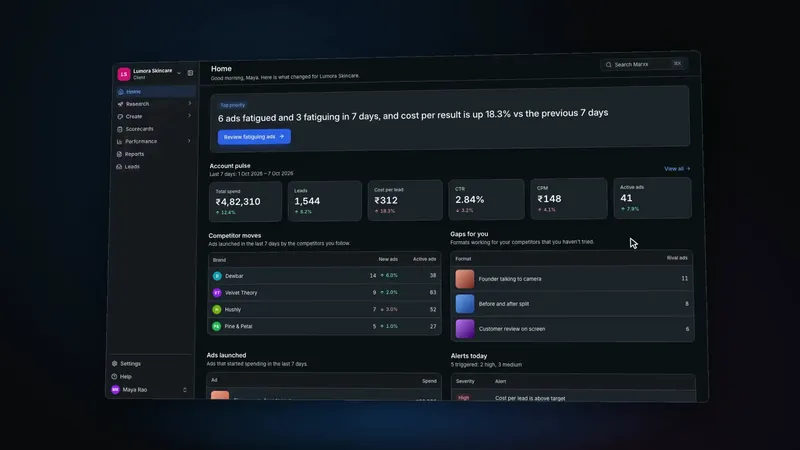 Creative intelligenceWhat ran, what worked, what is decaying
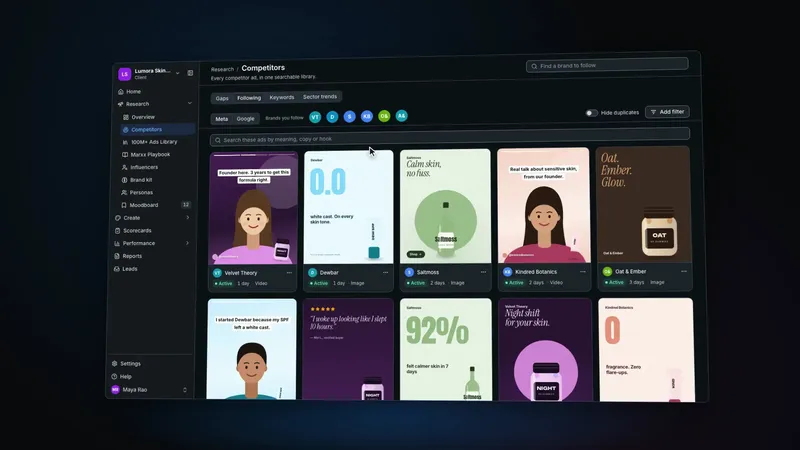 Competitor trackingTheir live creative, decoded
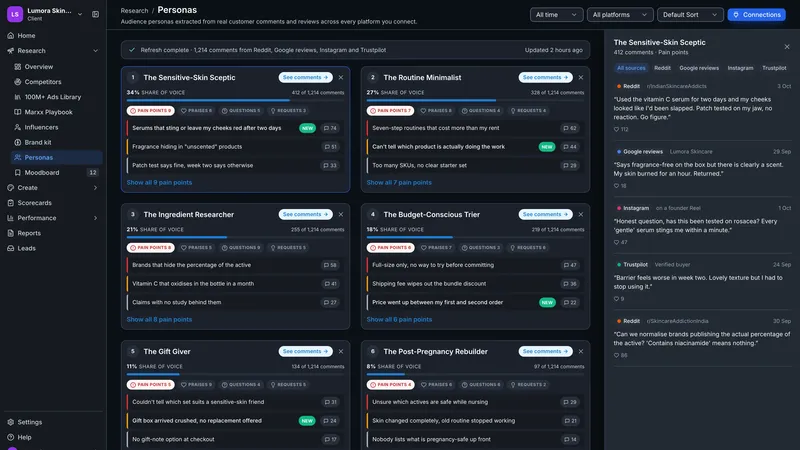 Personas from commentsYour buyers' words, clustered
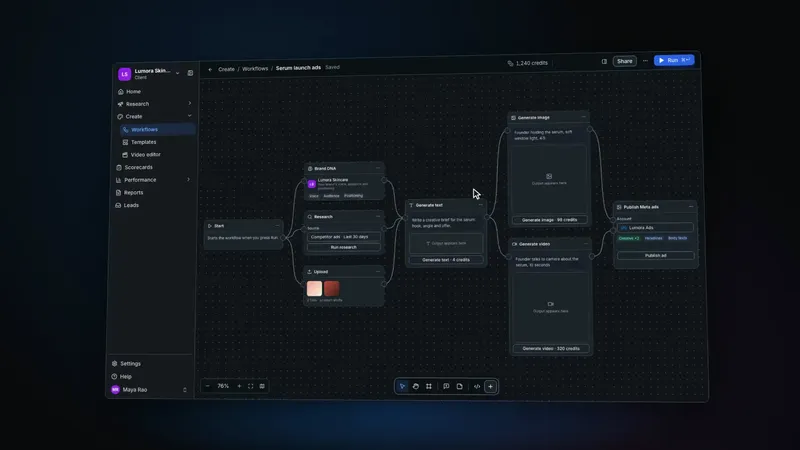 Production canvasConcept to variants to published
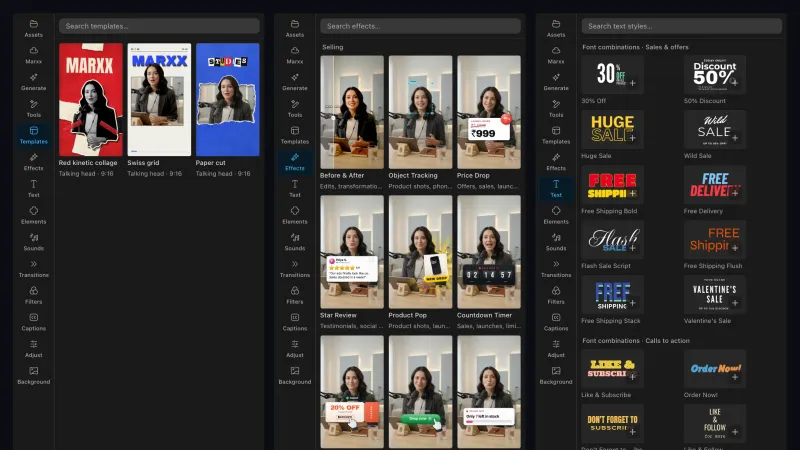 AI video editorCut, caption and finish ads, by hand or by prompt
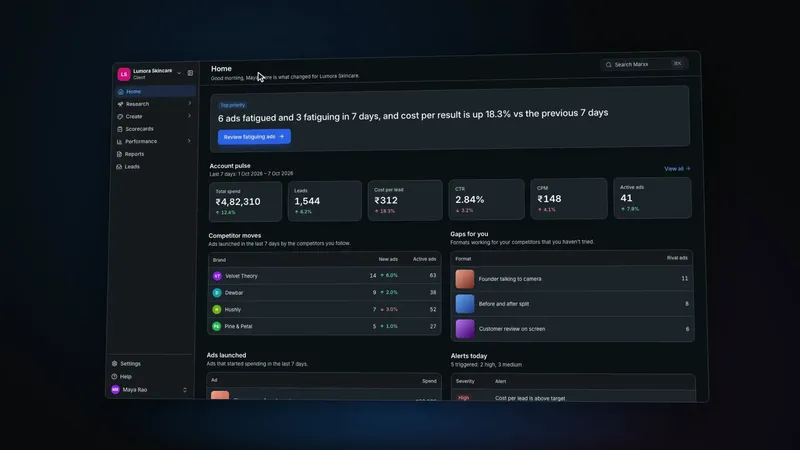 Client workspacesOne product per client, isolated
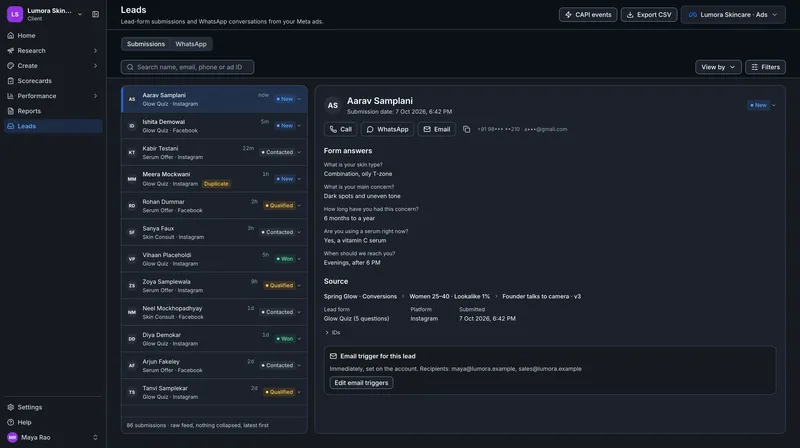 LeadsEnriched, routed, tied to the ad
One size fits none. Let’s build your exact setup.
Hop on a call with our founder to see real-world use cases, cut out the noise, and isolate the exact tools that drive results for your business — complete with a personalized pricing plan.